
Validate an AI Shot Manifest Before It Reaches the Editor
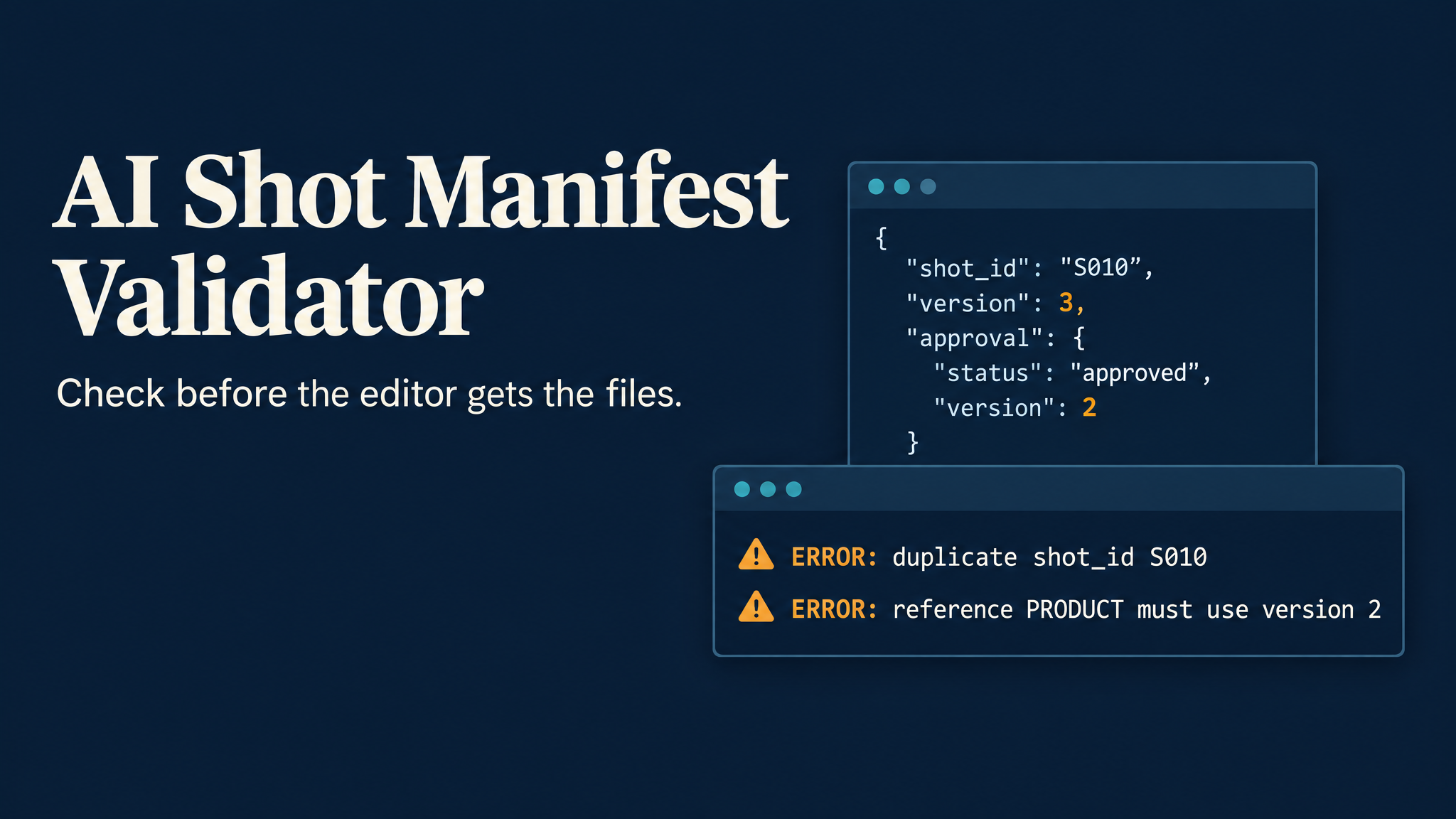
An editor receives two files for shot S010. Both appear to be approved, but one used an older product reference. A later revision changed the shot without reopening its approval.
The filenames alone cannot settle which asset belongs in the cut. Someone has to reconstruct the decision from messages and folders.
A small validator can catch these contradictions before the package leaves the creator's machine. This walkthrough builds one in Python, using an explicit shot manifest and ordinary local files.
The format is an independent handoff example. It does not call an Astorie API or depend on a platform export.
Describe the selected asset, not every generation attempt
Keep one selected asset per shot in the handoff manifest. Put rejected candidates in a separate archive. This makes a repeated shot ID an error instead of an invitation for the editor to choose a take.
The example has three parts:
schema_versionidentifies the format the validator understands.referencesrecords the accepted reference versions for this package.shotsconnects each selected asset to its version, approval, and reference versions.
Save this as package/manifest.json:
{
  "schema_version": 1,
  "references": {
    "PRODUCT": 2
  },
  "shots": [
    {
      "shot_id": "S010",
      "version": 2,
      "asset": "picture/S010_v02.txt",
      "approval": {
        "status": "approved",
        "version": 2
      },
      "references": {
        "PRODUCT": 2
      }
    }
  ]
}
The .txt asset is deliberately a test fixture. It lets you run the path checks without generating or downloading media. In a real handoff, use the path to the reviewed image or video.
Create that fixture from the directory containing your script:
from pathlib import Path

picture = Path("package/picture")
picture.mkdir(parents=True, exist_ok=True)
(picture / "S010_v02.txt").write_text("Path-check fixture only.\n", encoding="utf-8")
Turn approval into a checkable relationship
A status of approved is insufficient when the asset has changed since review. Store the approved version separately and compare it with the selected shot version.
Here, shot version 2 requires an approval for version 2. Changing the shot to version 3 leaves a visible mismatch until the review record is updated.
References need a similar comparison. A shot using PRODUCT: 1 fails when the package catalog specifies PRODUCT: 2. An unknown reference ID also fails. The catalog is maintained by the team; the script cannot independently discover the latest approved reference.
For the wider production context, Astorie's AI video production pipeline discusses how shot selection connects to the editing handoff. The validator below adds a local check for the metadata you send with those assets.
Run the validator
Use Python 3.9 or later. No third-party packages are needed. Save the following as validate_manifest.py:
import argparse
import json
from pathlib import Path, PurePosixPath


def positive_int(value):
    return type(value) is int and value > 0


def validate(data, root):
    errors = []
    root = Path(root).resolve()
    if not isinstance(data, dict):
        return ["manifest must be an object"]
    if type(data.get("schema_version")) is not int or data["schema_version"] != 1:
        errors.append("schema_version must be 1")
    catalog = data.get("references")
    if not isinstance(catalog, dict) or not catalog or any(
        not key.strip() or not positive_int(version)
        for key, version in catalog.items()
    ):
        errors.append("references catalog requires IDs and positive integer versions")
        catalog = {}
    shots = data.get("shots")
    if not isinstance(shots, list) or not shots:
        return errors + ["shots must be a non-empty array"]
    seen = set()
    for index, shot in enumerate(shots):
        label = f"shots[{index}]"
        if not isinstance(shot, dict):
            errors.append(f"{label}: must be an object")
            continue
        shot_id = shot.get("shot_id")
        if not isinstance(shot_id, str) or not shot_id.strip():
            errors.append(f"{label}: shot_id must be a non-empty string")
        elif shot_id in seen:
            errors.append(f"{label}: duplicate shot_id {shot_id}")
        else:
            seen.add(shot_id)
        version = shot.get("version")
        if not positive_int(version):
            errors.append(f"{label}: version must be a positive integer")
        approval = shot.get("approval")
        if not isinstance(approval, dict) or (
            approval.get("status") != "approved"
            or not positive_int(approval.get("version"))
            or approval.get("version") != version
        ):
            errors.append(f"{label}: approval must be approved for version {version}")
        refs = shot.get("references")
        if not isinstance(refs, dict) or not refs:
            errors.append(f"{label}: references must be a non-empty object")
        else:
            for ref_id, ref_version in refs.items():
                if ref_id not in catalog:
                    errors.append(f"{label}: unknown reference {ref_id}")
                elif not positive_int(ref_version) or ref_version != catalog[ref_id]:
                    errors.append(
                        f"{label}: reference {ref_id} must use version {catalog[ref_id]}"
                    )
        asset = shot.get("asset")
        if not isinstance(asset, str) or not asset.strip():
            errors.append(f"{label}: asset must be a non-empty string")
            continue
        if "\\" in asset or ":" in asset or PurePosixPath(asset).is_absolute():
            errors.append(f"{label}: asset must be a relative path using forward slashes")
            continue
        try:
            target = (root / asset).resolve()
            if not target.is_relative_to(root):
                errors.append(f"{label}: asset escapes package root")
            elif not target.is_file():
                errors.append(f"{label}: missing file {asset}")
        except (OSError, RuntimeError, ValueError):
            errors.append(f"{label}: cannot resolve asset path")
    return errors


def main():
    parser = argparse.ArgumentParser(description="Check shot metadata and local paths.")
    parser.add_argument("manifest", type=Path)
    args = parser.parse_args()
    try:
        data = json.loads(args.manifest.read_text(encoding="utf-8"))
        errors = validate(data, args.manifest.parent)
    except (OSError, UnicodeError, ValueError, RuntimeError) as exc:
        print(f"ERROR: {exc}")
        return 2
    if errors:
        for error in errors:
            print(f"ERROR: {error}")
        return 1
    print(f"OK: {len(data['shots'])} shot record(s) passed.")
    return 0


if __name__ == "__main__":
    raise SystemExit(main())
Run it from your project directory:
python validate_manifest.py package/manifest.json
The supplied fixture produces:
OK: 1 shot record(s) passed.
The program returns exit code 0. Validation errors return 1. An unreadable manifest or malformed JSON returns 2, so a packaging script can stop when either occurs.
The validator collects problems across shot entries instead of stopping at the first rejected take. It also checks types before comparing values. In particular, type(value) is int prevents JSON true from passing as version 1 through Python's boolean-integer relationship.
Asset paths are resolved relative to the manifest's directory. Resolving before checking containment lets the script reject a path or symbolic link that points outside the package. Existing files inside the package pass the path check, regardless of their media content.
Break the example before trusting it
Create a failure case with an old reference, a repeated shot ID, a newer unapproved version, a missing reference set, and a missing file:
import copy
import json
from pathlib import Path

path = Path("package/manifest.json")
data = json.loads(path.read_text(encoding="utf-8"))
second = copy.deepcopy(data["shots"][0])
data["shots"][0]["references"]["PRODUCT"] = 1
second.update(version=3, references={}, asset="picture/missing.txt")
data["shots"].append(second)
Path("package/manifest.bad.json").write_text(
    json.dumps(data, indent=2), encoding="utf-8"
)
Then run:
python validate_manifest.py package/manifest.bad.json
Actual output from the supplied failure case:
ERROR: shots[0]: reference PRODUCT must use version 2
ERROR: shots[1]: duplicate shot_id S010
ERROR: shots[1]: approval must be approved for version 3
ERROR: shots[1]: references must be a non-empty object
ERROR: shots[1]: missing file picture/missing.txt
This case returns exit code 1. Fixing the duplicate ID alone still leaves the other problems unresolved.
Do not fix the approval error by copying the new version number into the approval record automatically. That would make the fields agree while skipping the review the fields are meant to record.
Put the check at the packaging boundary
Run the validator after selecting assets and before sending the folder to the editor. Re-run it if someone changes the selected files, references, or approval records.
A passing result means the declared relationships and local paths meet these rules. It does not prove that a person approved the asset, that its bytes have remained unchanged, or that the picture and sound work in sequence. Those require a trusted review record, integrity checks where needed, and media review.
The useful boundary is narrow: the editor gets a package with consistent shot metadata and resolvable asset paths. Creative approval stays with the people responsible for the work.
About the author
- Astorie is the agentic canvas for visual storytellers, with a creative AI partner that learns your taste, shapes your shots, and turns ideas into cinematic video.
Comments
Join the discussionNo comments yet. Be the first to comment.